AI-powered photo editor
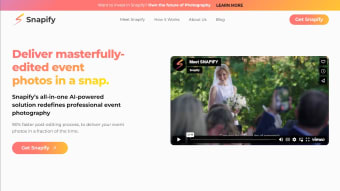
Snapify is a premium AI image editor for PC that offers users photo enhancements with the help of artificial intelligence. With it, they can achieve professional-level image editing for their post-shots with minimal effort. The whole process is automated and can be shared immediately through the companion app once it finishes.
Similar to how AI Image Enlarger operates, Snapify leverages the advancement of deep machine learning and AI algorithms to allow photographers to make quick edits for event photos on-the-fly. It offers them tailor-made subscription plans to cater to their needs and requirements for a more personalized experience.
AI-powered photo edits
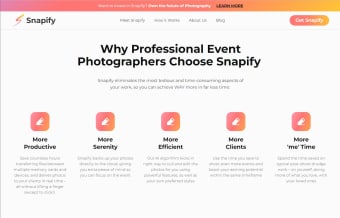
For any professional photographer covering an event is one of the most exciting and nerve-wracking experiences they could have. It can be daunting to juggle covering multiple people, viewpoints, and moments. Add to this, the expectations for the photo edits after the fact, and things can be quite overwhelming. Here then comes Snapify, offering quick and automated image editing services powered by AI.
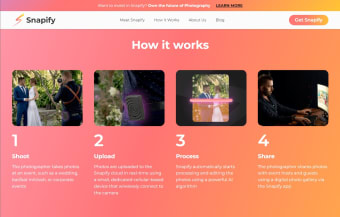
There are essentially three steps to using this app, with the first being to upload your files to the Snapify cloud via a proprietary wireless device. Your photos will then be analyzed using the company's AI algorithm to offer you multiple presets to choose from. From there, you just need to select the specific look you want and save the changes.
You can start sharing the results with your clients and guests through a digital photo gallery from within the app itself. Another notable feature is facial recognition tagging, which makes it easier to locate specific people from group shots. Just be aware that you will need to always be connected and have a stable internet connection for all of this to work properly.
A unique proposition
Photos help preserve special moments, so it's crucial for any photographer to do right by their clients. With Snapify, the process of post-editing is made easier and more seamless. It's easy to set up and use, and there are multiple pro-level presets to choose from and apply on-the-fly. If you're a professional events photographer, this is a service that is worth checking out.